Tap to Pay on iPhone.
With the American PaySave app, you can accept all types of in-person, contactless payments, right on your iPhone — no extra hardware needed.
 American PaySave home
 With the American PaySave app, you can accept all types of in-person, contactless payments, right on your iPhone — no extra hardware needed.
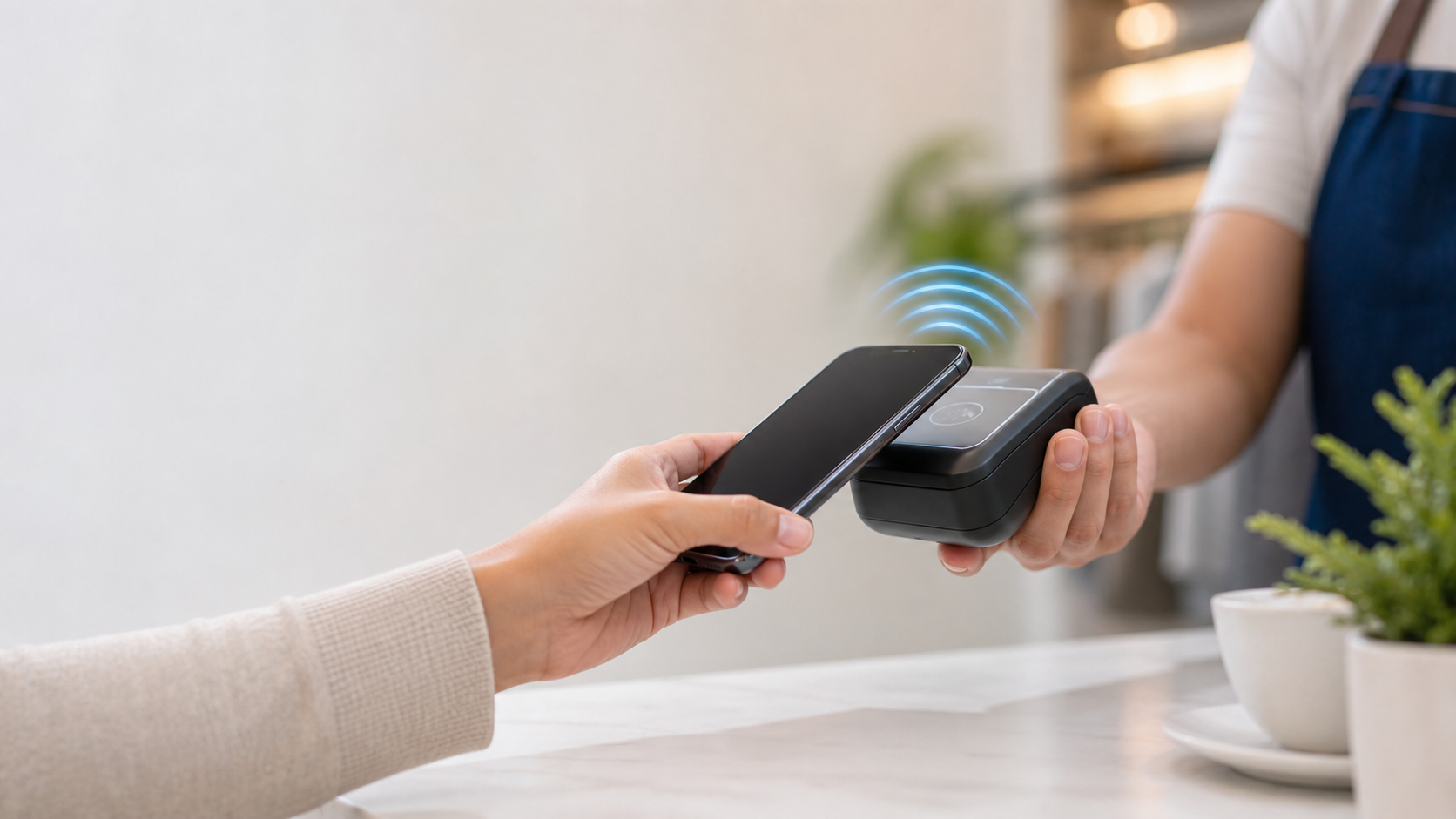
With Tap to Pay on iPhone, American PaySave streamlines payment processing even more. Accept all types of in-person, contactless payments, right on your iPhone — from physical debit and credit cards to Apple Pay and other digital wallets. No extra hardware necessary. It’s easy, secure, and private.
Start accepting in-person, contactless payments without a card reader – from physical debit and credit cards, to Apple Pay and other digital wallets.


Tap to Pay on iPhone and the American PaySave app remove the complexities of developing and maintaining a custom payment product by providing a fully certified solution that you can easily enable on your app.
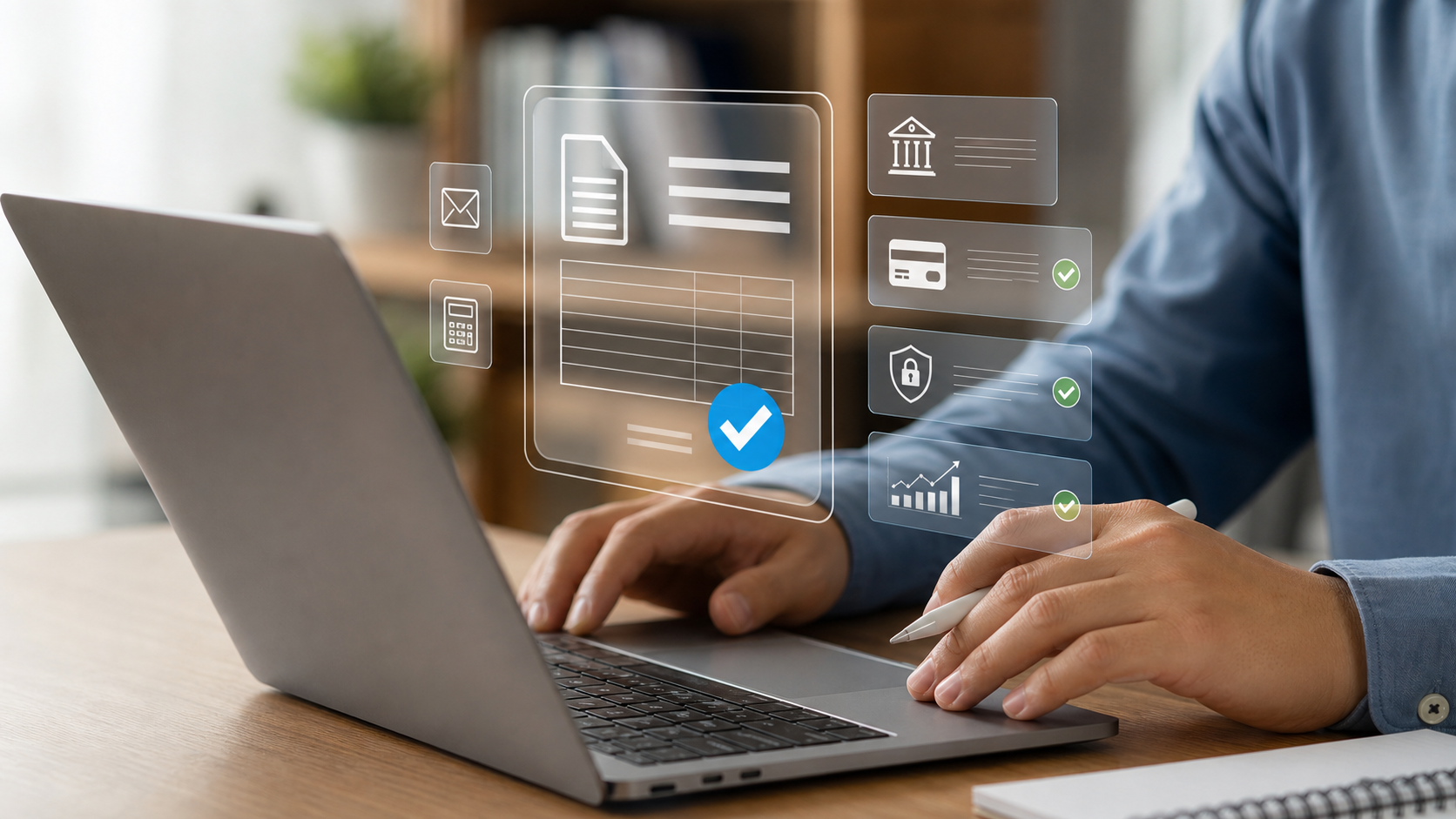
Tap to Pay on iPhone uses the built-in features of iPhone to keep your business and your customer data private and secure. When a payment is processed, Apple does not store card numbers on the device or on Apple servers, so you can rest assured knowing your business and your data is protected.
To use Tap to Pay on iPhone, simply download the American PaySave app, sign up, and start accepting in-person, contactless payment methods anytime, anywhere — right on your iPhone.
Tap to Pay on iPhone and the American PaySave app eliminates the complexities of payment processing. Our fully certified and customizable solution is ideal for numerous industries.
American PaySave also offers a large selection of processing hardware, including our proprietary mobile and table solutions, smart POS solutions, dual-screen countertop systems, and smart terminals. Accept payments on the go, at the table, or in the field.
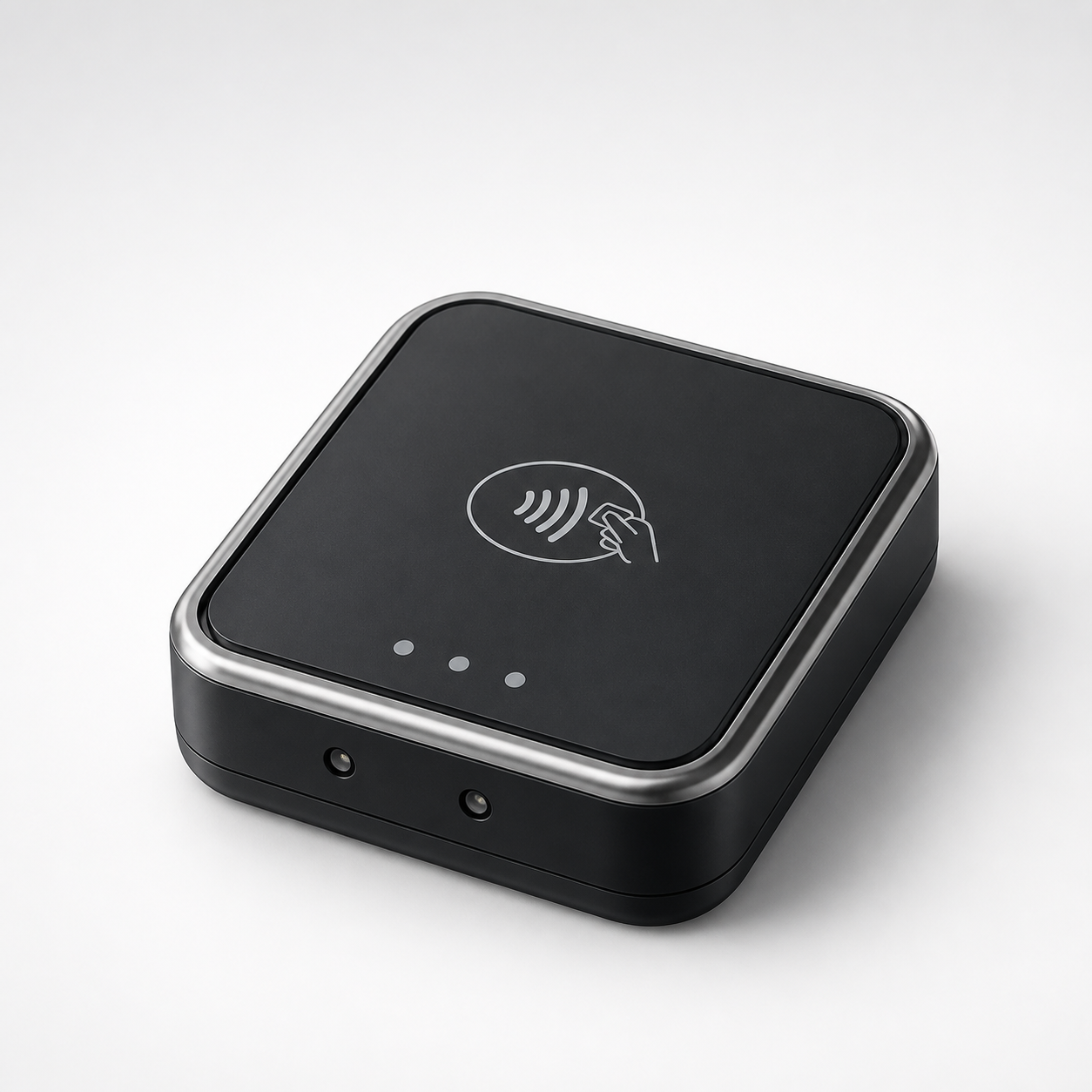
Payanywhere 3-in-1 Bluetooth® Credit Card Reader
Turn your smartphone or tablet into a mobile payment processing device with a mobile credit card reader.
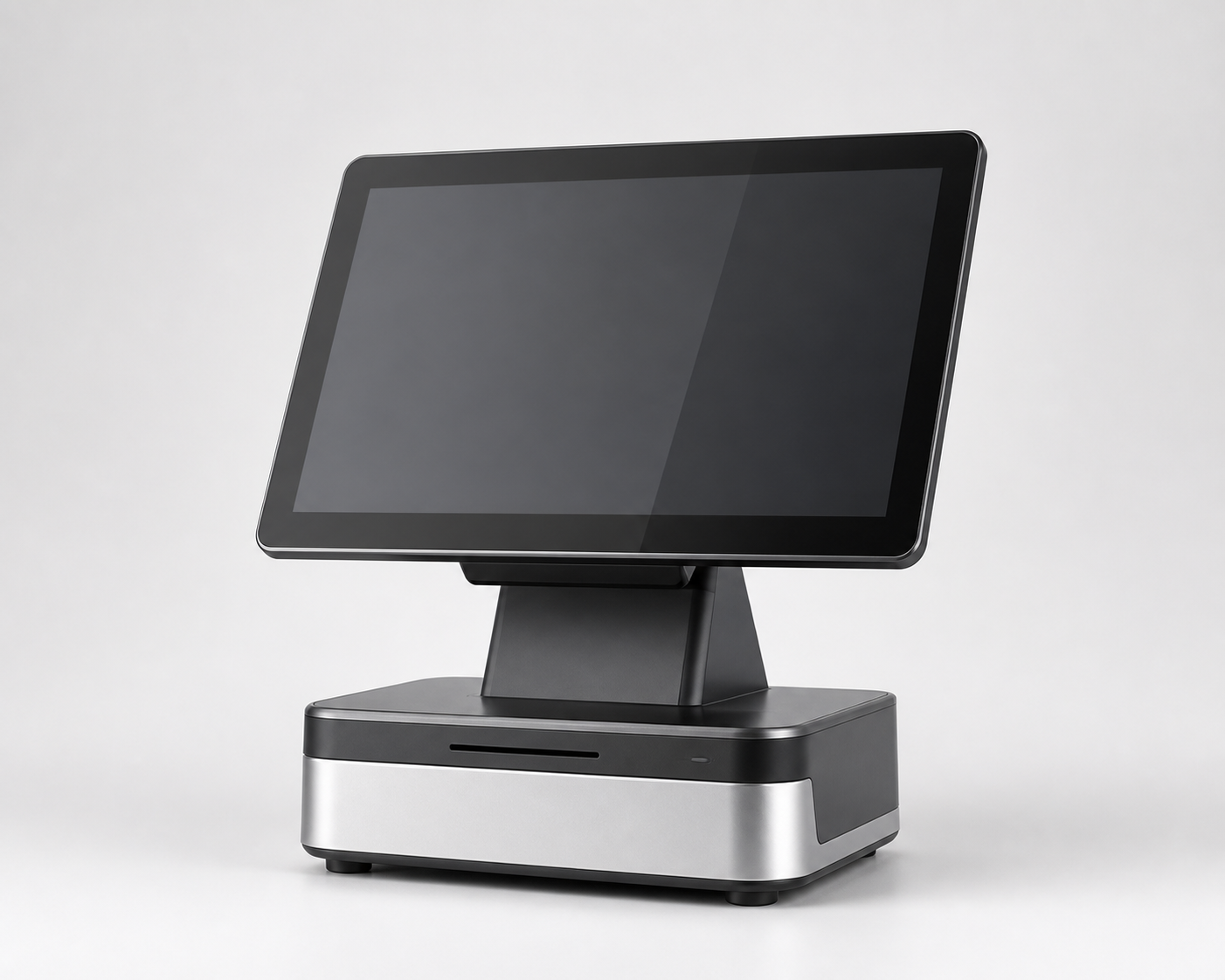
Payanywhere Smart POS+
American PaySave's powerhouse point of sale system is more than a credit card machine, it’s a POS terminal that includes a large-format touchscreen for you to process all types of payments.
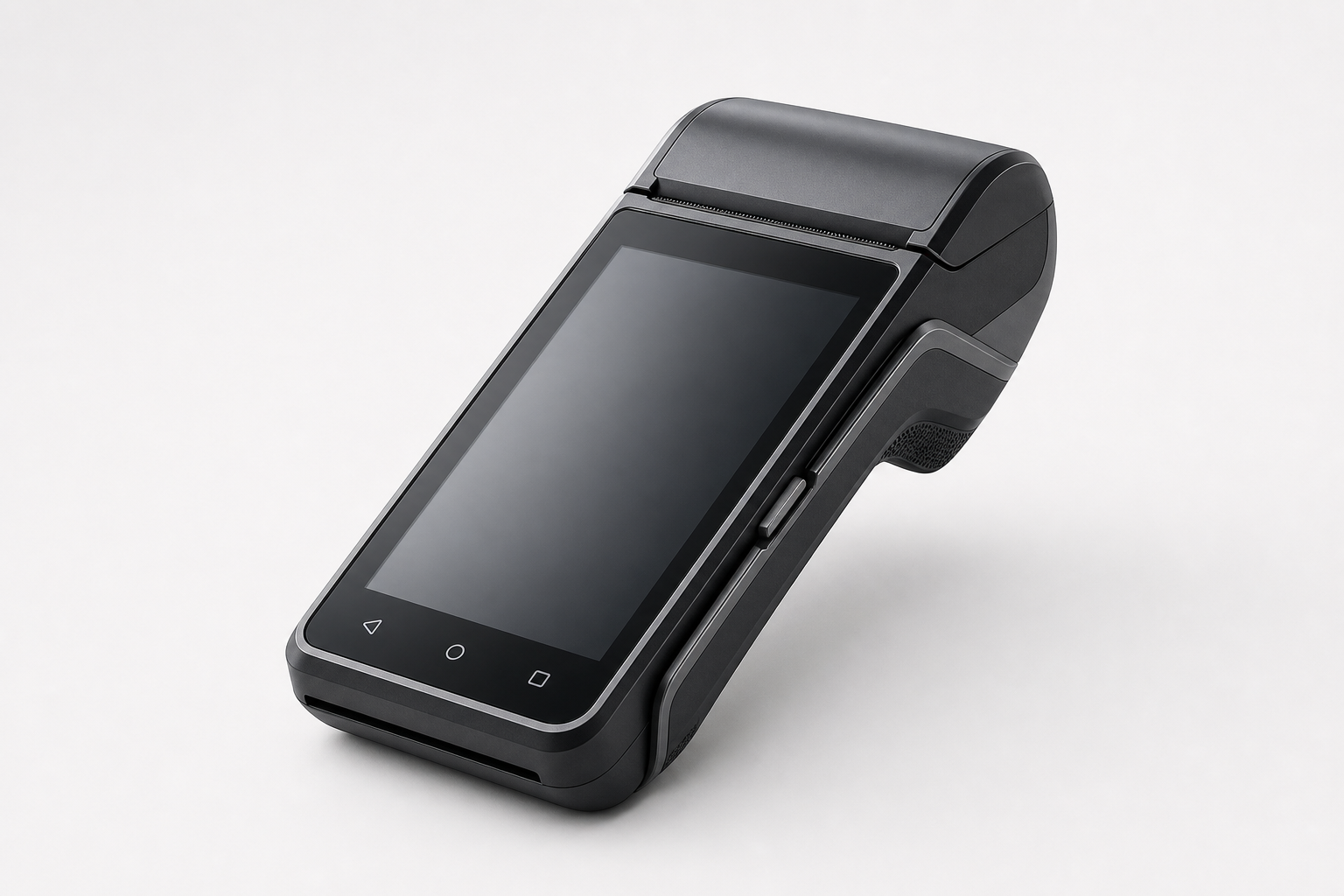
Payanywhere Smart Terminal
For a faster checkout process, American PaySave's smart terminal takes credit card payments at the counter or on the move.
Tap to Pay on iPhone supports PIN-based transactions in iOS 16.0 and later. When using Tap to Pay, customers are prompted to enter their PIN through Apple's secure PIN entry interface after tapping their card. Ask your payment service provider if they support PIN-based transactions in your payment application.
Through Payments Hub, our secure online merchant portal, American PaySave gives you access to a virtual workbench of reporting tools. You can accept online payments, access statements, edit your account information, and even track customer visits. Our Basic Plan is free, and we also offer Premium and Premium Plus Plans with additional features and functionality.
American PaySave has two fast and free funding options. With Next Day Funding, transactions processed and closed Monday through Friday before 10 p.m. ET will be deposited into your account the next business day; transactions closed on the weekend are deposited Monday. With Same Day Funding, all transactions are closed and processed before 10:30 a.m. ET are deposited the same day.

Since 1992 American PaySave has provided hundreds of thousands of companies, large and small, with comprehensive payment processing and merchant service solutions. Let us point the way to your success.